
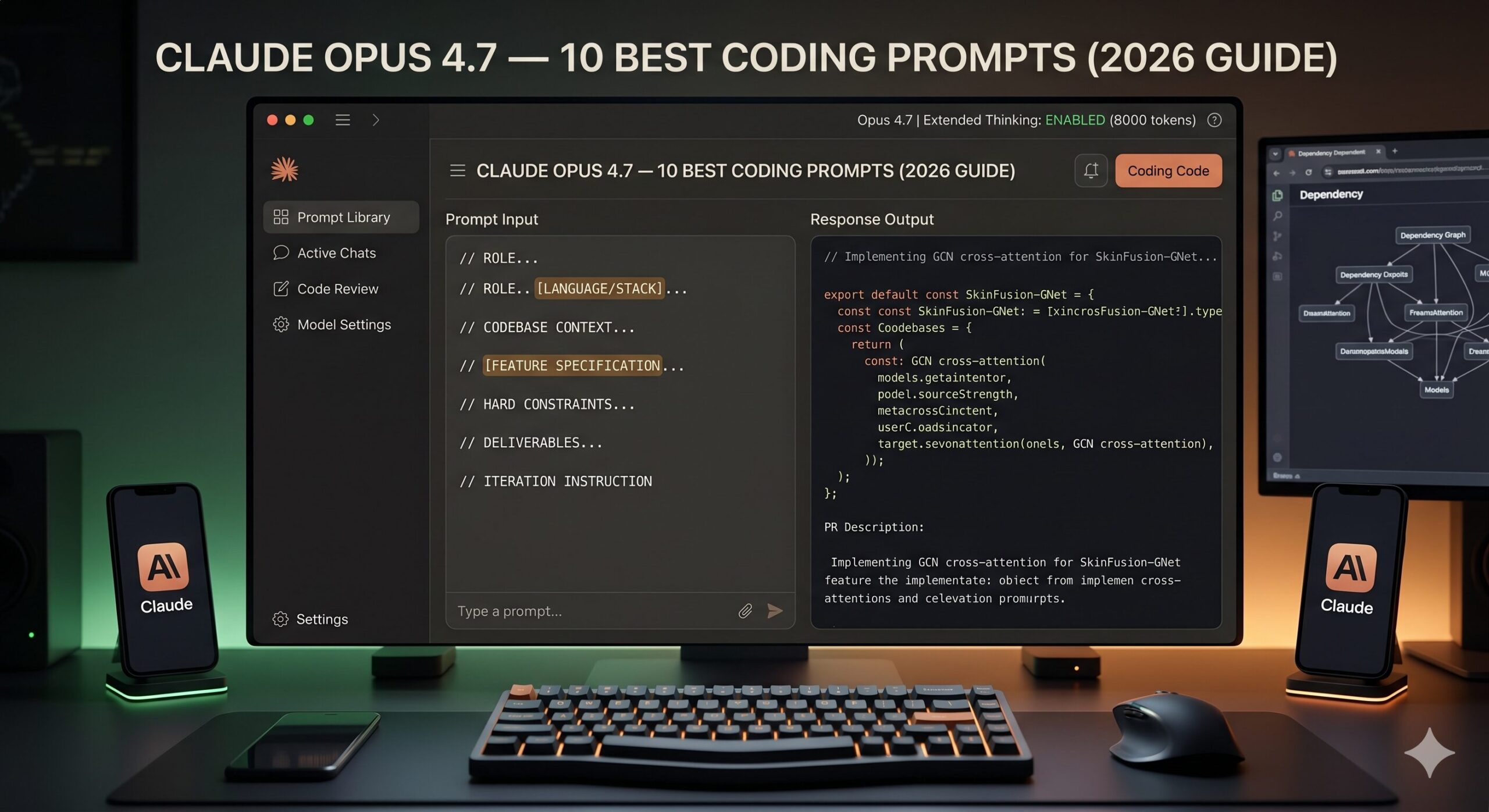
10 Best Claude Opus 4.7 Prompts for Coding
The problem is not Claude Opus 4.7. The problem is the prompt. Most developers use AI coding assistants the same way they would use a search engine — sparse, keyword-driven, one-shot. But Claude Opus 4.7 works more like a senior engineer who has read your entire codebase, thinks deeply before answering, and needs you to brief it properly before it can help you properly.
After testing hundreds of prompts across real projects — from tiny Python scripts to large TypeScript monorepos — I have found 10 prompts that consistently produce the kind of output that actually solves your problem on the first or second attempt. Not every prompt works identically in every context, but each one here has a structure that is worth understanding, not just copying.
By the time you finish reading this, you will know not just what to paste into Claude Opus 4.7, but why each prompt is built the way it is — and how to adapt it when your situation does not fit the template perfectly.
Why Claude Opus 4.7 Handles Coding Differently
There is a meaningful difference between models that generate code and models that reason about code. Claude Opus 4.7 leans firmly toward the second category. Its extended thinking mode — available in the API and increasingly surfaced in Claude.ai — means the model can work through a multi-step problem before producing output, rather than pattern-matching directly from your prompt to the nearest plausible answer.
Compare that to, say, GPT-4o, which is faster and often adequate for short, well-specified tasks, but tends to hallucinate library APIs when working with less common packages or niche framework versions. Gemini 1.5 Pro handles file uploads well and can parse an entire repo if you attach it, which is genuinely useful — but its code explanations can be dense and it struggles to keep consistent style across longer refactors. Claude Opus 4.7’s 200K-token context window means you can paste an entire file, or several related files, without hitting the wall that forces you to chunk your problem artificially.
Where Opus 4.7 stands apart is in tasks that require holding multiple constraints in mind simultaneously: “fix this bug, keep the existing test suite green, match the project’s naming convention, and do not change the public API.” That kind of constrained reasoning is where the model genuinely earns its place in a developer’s workflow.
Claude Opus 4.7 is built for constrained, multi-requirement coding tasks — not one-line autocomplete. The more context and constraints you give it, the better its output. Generic prompts produce generic code.
Before You Start: How to Get the Best Results
A few practical things worth setting up before you run any of the prompts below. First, if you are on the API, enable extended thinking with a budget of at least 8,000 tokens for complex tasks — this is what separates Opus 4.7’s reasoning from its faster siblings. In Claude.ai, extended thinking is available under the model settings panel when you select Opus 4.7.
Paste your full file when relevant, not just the function. Claude Opus 4.7 uses surrounding context — imports, type definitions, adjacent functions — to make better decisions about your specific code. Stripping the context down to “just the broken part” often strips the information the model needs most. Think of it the way you would brief a contractor: handing them just the doorframe tells them far less than showing them the whole room.
System prompts matter more than most developers realize. If you are using the API, a system prompt like “You are a senior software engineer. Prefer minimal, readable changes. Never change function signatures unless explicitly asked. Explain any non-obvious choices in a brief comment.” will consistently improve output quality across sessions, because it pre-loads behavioral constraints that would otherwise need to be re-stated each time.
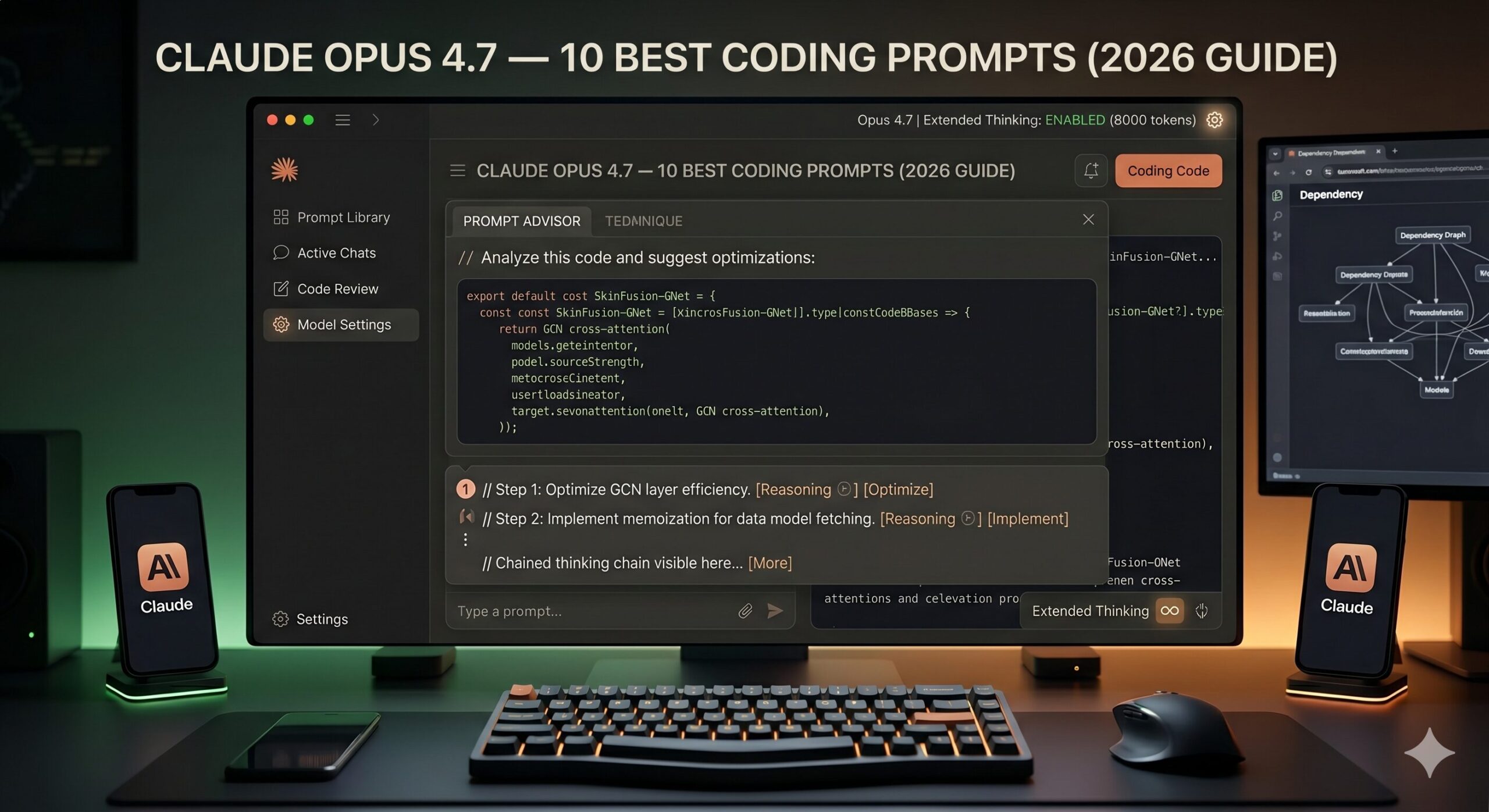
One more thing: tell Claude Opus 4.7 what you do NOT want. The model is trained to be helpful, which sometimes means offering alternatives you did not ask for. Adding a short negative constraint — “do not add new dependencies,” “do not refactor code I did not ask you to touch,” “do not explain the changes unless I ask” — keeps responses tight and on-target.
The 10 Best Claude Opus 4.7 Prompts for Coding
Prompt 1: The Clean Debug Request
Most debugging prompts fail because they give the model the error message and nothing else. The model then guesses at the context it needs. This prompt forces you to provide that context in a structured way — and that structure alone produces dramatically better fixes.
The “what I have already tried” field is the most underrated part of this prompt. It prevents Claude from suggesting the same approach you already ruled out — which is the main reason debugging loops happen in the first place. The instruction to show code first and explain after keeps the response action-oriented rather than lecture-heavy.
For a runtime crash with a stack trace, paste the full traceback under the error section. Claude Opus 4.7 reads stack traces well and will often pinpoint the exact line without additional prompting.
Prompt 2: The Plain-English Code Explainer
You inherit someone else’s code. Or your own code from eight months ago. The temptation is to ask “what does this do?” — and Claude will answer, but the answer will be a line-by-line recitation that teaches you nothing. This prompt asks for understanding, not narration.
Telling Claude to skip syntax explanation is the key move here. Without that instruction, the model defaults to a line-by-line tour that wastes your time on things you already understand. Asking specifically for “what a developer might misread” surfaces the subtle behavior — side effects, implicit assumptions, order dependencies — that documentation rarely covers.
Add “assume I will be modifying this code next week” to the prompt — it shifts Claude’s explanation toward the parts most likely to break when touched, which is usually what you actually need to know.
Prompt 3: The Targeted Function Writer
The classic “write me a function that…” prompt almost always produces something technically functional and practically unusable — wrong naming convention, different error handling pattern, dependencies you do not have. Three additional lines of context fix 80% of that problem.
The final line — “do not add extra utility functions” — is quietly important. Claude Opus 4.7 is genuinely trying to be helpful, and sometimes that means scaffolding helper functions you did not ask for. That is useful in a greenfield project and annoying in an existing codebase. One sentence keeps the scope controlled.
For async functions, add “this function will be called with await in an async context” — it ensures the model writes proper async/await rather than defaulting to callbacks or promises without async syntax.
Prompt 4: The Senior Code Reviewer
Generic code review prompts produce generic feedback: “consider adding error handling,” “this could be more readable.” What you need is role-assigned, perspective-specific feedback. The difference between a mediocre review prompt and a great one is telling Claude who it is reviewing as — and what that person actually cares about.
The instruction to “skip sections with no genuine feedback” is doing real work. Without it, Claude fills empty sections with vague commentary to appear thorough. Telling the model it is allowed to say “nothing critical here” produces shorter, more trustworthy reviews where every point raised is actually worth reading.
Add a “5. Security audit” section and specify your threat model — “this code runs on user-supplied input” or “this is an internal admin tool with no public exposure” — and Claude will calibrate its security feedback to your actual risk surface.
Prompt 5: The Constrained Refactor
Asking Claude to “refactor this” without constraints is asking it to make decisions that should be yours. You will get back something cleaner — and different in ways you did not intend. This prompt turns refactoring into a collaborative, bounded task rather than an open-ended rewrite.
The change log request is the hidden gem in this prompt. It forces Claude to surface its own reasoning, which lets you catch misunderstandings before you run the code. If Claude changed something you explicitly wanted left alone, you will see it in the log — not after you have already merged the refactor into your branch.
When targeting performance specifically, add “include a comment above any loop or query you changed, noting the Big-O improvement” — it turns the output into self-documenting code rather than a black box that happens to be faster.
Prompt 6: The Test Suite Generator
Most AI-generated tests are trivially happy-path and nearly useless in production. The trick is not to ask Claude to “write tests” — it is to ask Claude to think like someone trying to break the code, then write tests for what it finds.
The “one off mistake” requirement is doing something clever — it forces Claude to reason about common implementation errors, not just input variations. That category of test (wrong < vs <=, wrong index, wrong sign) is what actually catches bugs in review. Asking for it explicitly means you get tests with teeth.
Add “include a test that documents the known limitations of this function — cases we have decided not to handle” to create a living record of conscious decisions, not just coverage metrics.
Prompt 7: The Architecture Advisor
Here is where it gets interesting. Claude Opus 4.7 with extended thinking turned on is genuinely capable of holding multiple architectural options in tension, reasoning through trade-offs, and arriving at a recommendation that reflects your specific constraints — not just a textbook answer. This prompt is designed to surface that capability.
The final ask — “what would need to be true for your recommendation to be wrong” — is what separates this from a generic comparison prompt. It forces Claude Opus 4.7 to acknowledge the assumptions baked into its reasoning, which surfaces the hidden factors that might make the other option the right call for you specifically.
For greenfield projects with no constraints, add “assume a team of two developers who will maintain this for three years” — it grounds the response in real-world sustainability rather than theoretical best practice.
Prompt 8: The Chained Debugging Session
Some bugs are not “paste the error, get the fix” problems. They are intermittent failures, environment-specific oddities, or race conditions that only show up under load. This prompt sets up a structured investigation workflow rather than asking for a one-shot answer.
The instruction “do not try to fix it yet” is the crucial constraint. Without it, Claude defaults to the most obvious fix — which often treats the symptom rather than the cause. Asking for ranked hypotheses with supporting evidence first creates a conversation where you are debugging together rather than hoping the model gets lucky.
After you run the diagnostics, follow up with “Here are the diagnostic results: [paste output]. Update your hypothesis ranking and tell me what to check next.” Claude Opus 4.7 maintains context well across multi-turn conversations like this.
Prompt 9: The Extended Thinking Algorithm Optimizer
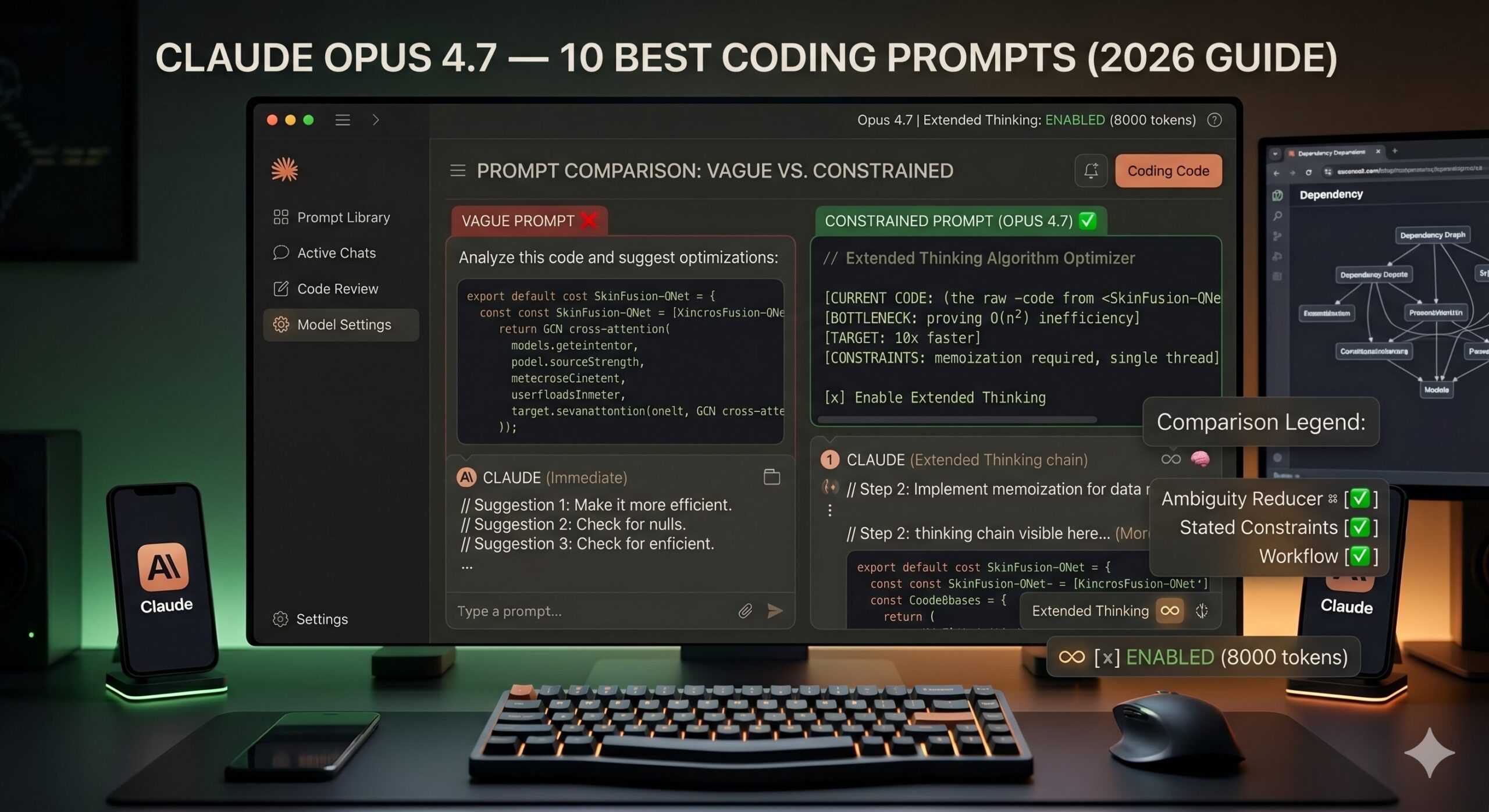
This is not a small distinction: there is a real difference in output quality when you invoke Claude Opus 4.7’s extended thinking explicitly versus letting it answer immediately. For algorithm problems — where the difference between O(n²) and O(n log n) is the whole point — giving the model room to reason before responding is worth the latency cost.
Asking for “one counterintuitive strategy” is a prompt engineering move that has nothing to do with tricks — it forces the model away from the most obvious optimization (which you probably already considered) and toward the second-order improvements that actually unlock better performance. Bit manipulation, lazy evaluation, memoization with custom hash keys — these show up more reliably when you signal you want non-obvious answers.
For database query optimization, replace the algorithm section with your SQL or ORM query and add “here is the relevant table schema and index configuration” — Claude Opus 4.7 reasons about query plans surprisingly well when given this context.
Prompt 10: The Master Feature Builder
Most tutorials skip this part entirely. This is the prompt for when you need Claude Opus 4.7 to carry a feature from specification to working, tested, documented implementation — in one session. It integrates role assignment, full context, hard constraints, output format, and an iteration path. It is not a single prompt so much as a complete workflow packaged as a prompt.
That third prompt is doing something subtle — the “do not write code until I say proceed” gate. It forces Claude to produce a plan you can review and correct before any implementation happens. This single instruction prevents the most expensive AI coding mistake: a large, well-structured implementation built on a misunderstood requirement. The approval gate costs you thirty seconds and can save hours of rework.
For API endpoints specifically, add “include an OpenAPI spec snippet for the new endpoint” to deliverable #4 — it forces Claude to think through the interface contract explicitly, and you get living documentation as a side effect.
The prompts that consistently produce the best code are not the cleverest — they are the most honest about what you are actually trying to do, what you cannot change, and what a successful result looks like. — From six months of daily Claude Opus 4.7 coding sessions
Common Mistakes and How to Fix Them
The problem most people run into is not that Claude Opus 4.7 fails at coding — it is that they give it prompts optimized for a search engine and wonder why the output does not fit their codebase. Here are the mistakes I see most often, along with the specific fix for each.
Mistake 1: The No-Context Bug Report. Sending only the error message and expecting a fix. Claude will generate something plausible — but plausible and correct are two different things when it cannot see your types, your imports, or your data structure.
Mistake 2: The Open-Ended Refactor. Asking Claude to “clean this up” without boundaries. The model will change things you did not intend — and often correctly, from a general standpoint — but in ways that break your project’s conventions or downstream consumers.
Mistake 3: The Premature Fix Request. Asking for the fix before asking for the diagnosis. For anything more complex than a syntax error, the diagnosis is the work. Skip it and you get a patch, not a solution.
Mistake 4: Ignoring the Thinking Mode. Running complex algorithm or architecture prompts without enabling extended thinking. The quality difference is real and measurable — especially for problems with multiple interacting constraints.
Ninety percent of bad Claude coding output is caused by under-specified prompts, not model failure. Before blaming the AI, ask whether a new hire could do the task correctly with the same brief you gave Claude.
| Wrong Approach | Right Approach |
|---|---|
| “Fix this error: TypeError: undefined is not a function” | Paste full file + error + what you’ve already tried + what the function is supposed to do |
| “Refactor this code to be cleaner” | “Refactor for readability only. Do not change public API, tests must still pass, list every change you make.” |
| “Write unit tests for this function” | Specify framework, require edge cases, require error cases, require one “off-by-one” test |
| “What’s the best database for my app?” | Describe scale, team size, query patterns, constraints — ask for two options with trade-offs and a recommendation with stated assumptions |
| “Optimize this algorithm” | State current performance, target performance, memory constraints, and enable extended thinking before running |
What Claude Opus 4.7 Still Struggles With
None of this comes free. Claude Opus 4.7 is the strongest coding model I have used for reasoning-heavy tasks, but it has real limitations that are worth knowing before you build workflows around it.
The most consistent weak spot is working with very large monorepos or projects where the relevant context spans many files across complex dependency chains. Even with a 200K-token context window, asking Claude to reason about how a change in one module will cascade through fifteen others — without explicitly pasting all fifteen — produces confident answers that are sometimes wrong in subtle ways. The model fills gaps with plausible assumptions rather than admitting it cannot see the full picture. Always verify refactors that touch multiple files by running your full test suite, not just eyeballing the output.
Highly specific, niche library APIs are another area to watch. Claude Opus 4.7’s training data has excellent coverage of mainstream frameworks, but newer releases or less-common libraries — particularly in rapidly evolving ML ecosystems — can produce hallucinated method names with completely authentic-looking signatures. The workaround is straightforward: paste the relevant portion of the library’s documentation or source code into your prompt. The model uses it correctly when you give it the truth to work from, rather than relying on training data that may be months out of date.
Long, multi-session coding projects also present a challenge. Claude does not persist context between conversations. Each new session starts cold — which means the “senior engineer who knows your codebase” feeling you build up in one long session does not carry forward. For ongoing projects, maintaining a short system prompt or “project context” block that you paste at the start of each session is genuinely worth the overhead. Think of it as the onboarding doc you would write for a contractor who joins every day with fresh eyes.
What you have gained from this guide is not just ten prompts — it is a framework for how to think about briefing an AI model on a coding task. The underlying principle across all ten prompts is the same: reduce ambiguity, state constraints explicitly, and give the model a clear picture of what a successful result looks like. That is not AI-specific advice. It is the same thing that makes a well-written Jira ticket, a clear PR description, or a useful bug report.
Working well with Claude Opus 4.7 for coding is really a practice in precision. The prompts that produce the best output are not prompts that are clever or elaborate — they are prompts that are honest about context, constraints, and goals. The skill transfers, too: developers who learn to brief AI models clearly tend to get better at writing requirements, communicating with teammates, and thinking through problems before they start typing. The AI accelerates your work, but the thinking discipline is yours.
Some of what Claude Opus 4.7 produces still needs human review. Architecture decisions require judgment about organizational culture, team dynamics, and political realities that no model can infer from a prompt. Security decisions require a threat model built from your specific deployment context. Test coverage decisions require understanding what failure would actually cost your users. These are not model limitations — they are things that belong to you, as the engineer who knows the full picture.
Claude Opus 4.7 is not the last model in this series. Extended thinking capabilities will expand. Context windows will grow. The gap between “model that generates code” and “model that reasons about systems” will narrow further. The developers who benefit most from what comes next will be the ones who have already learned how to provide the context, constraints, and goals that let the model do its best work. That habit — built now, with the prompts above — will outlast the specific tools.
Try These Prompts Right Now
Open Claude Opus 4.7 in Claude.ai, enable extended thinking, and paste any of the prompts above. The model is ready — you just need to brief it properly.